
Product Description
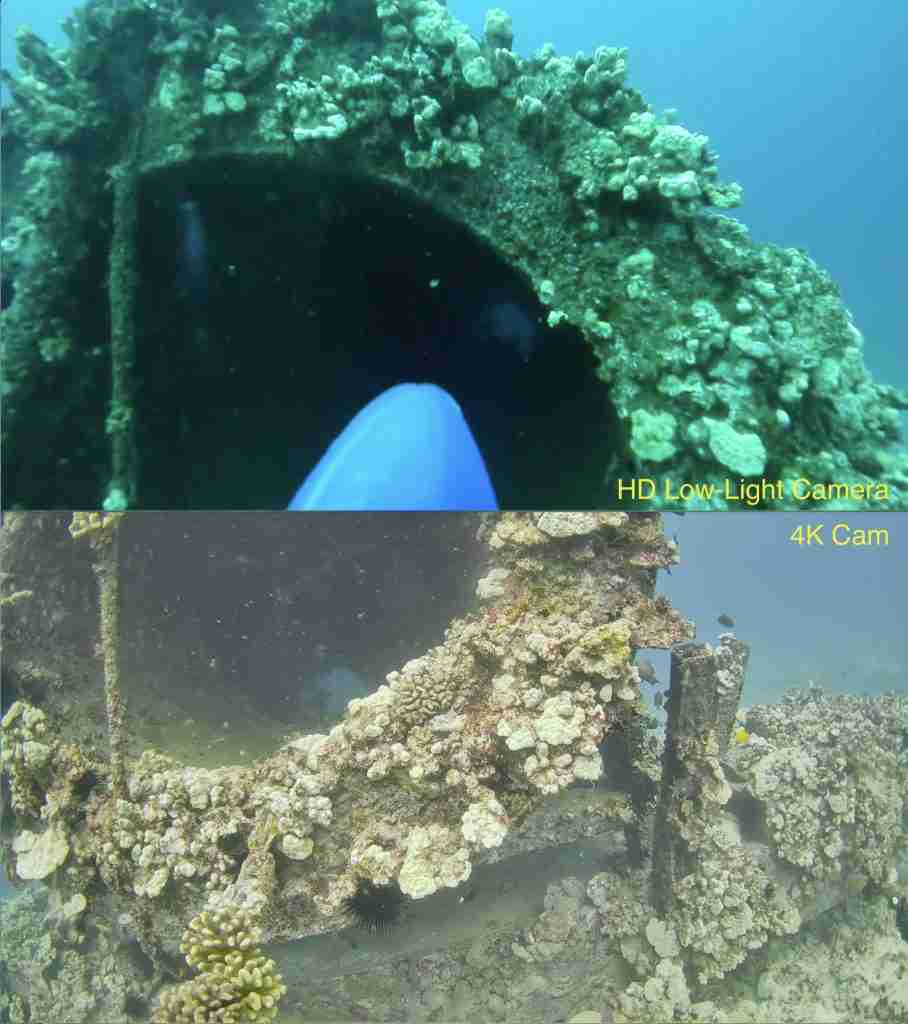
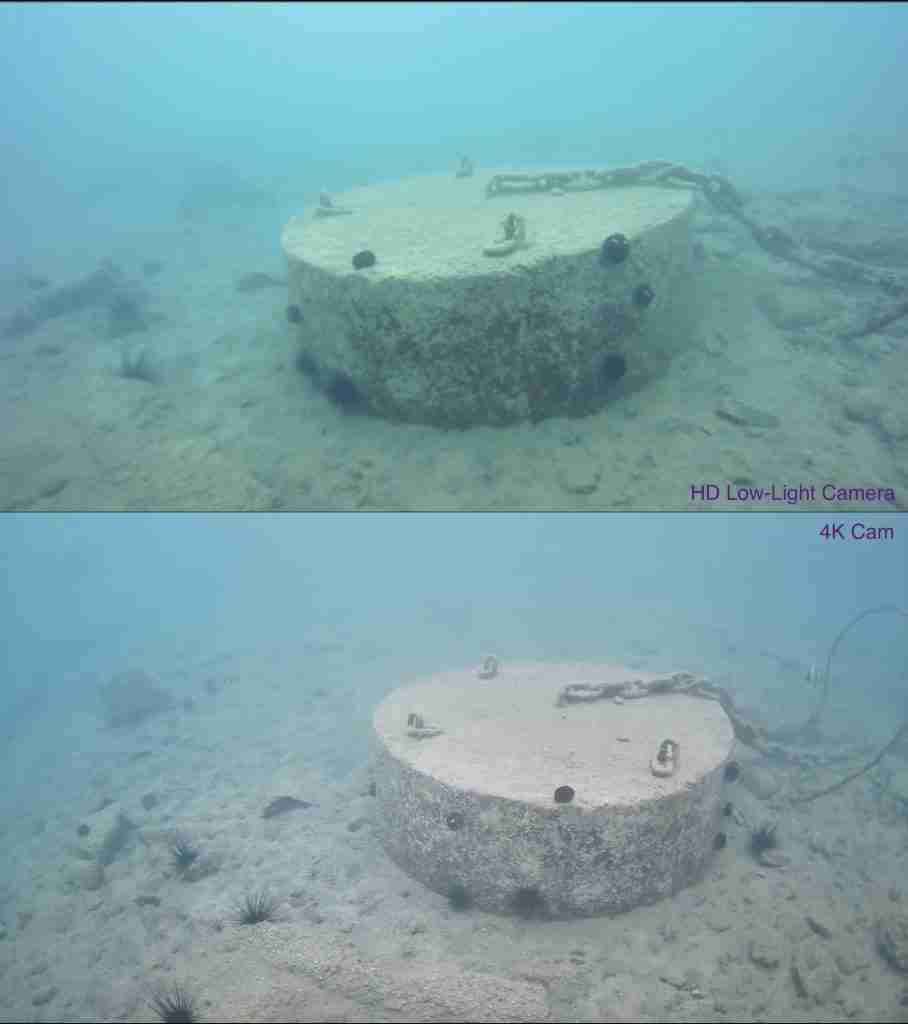
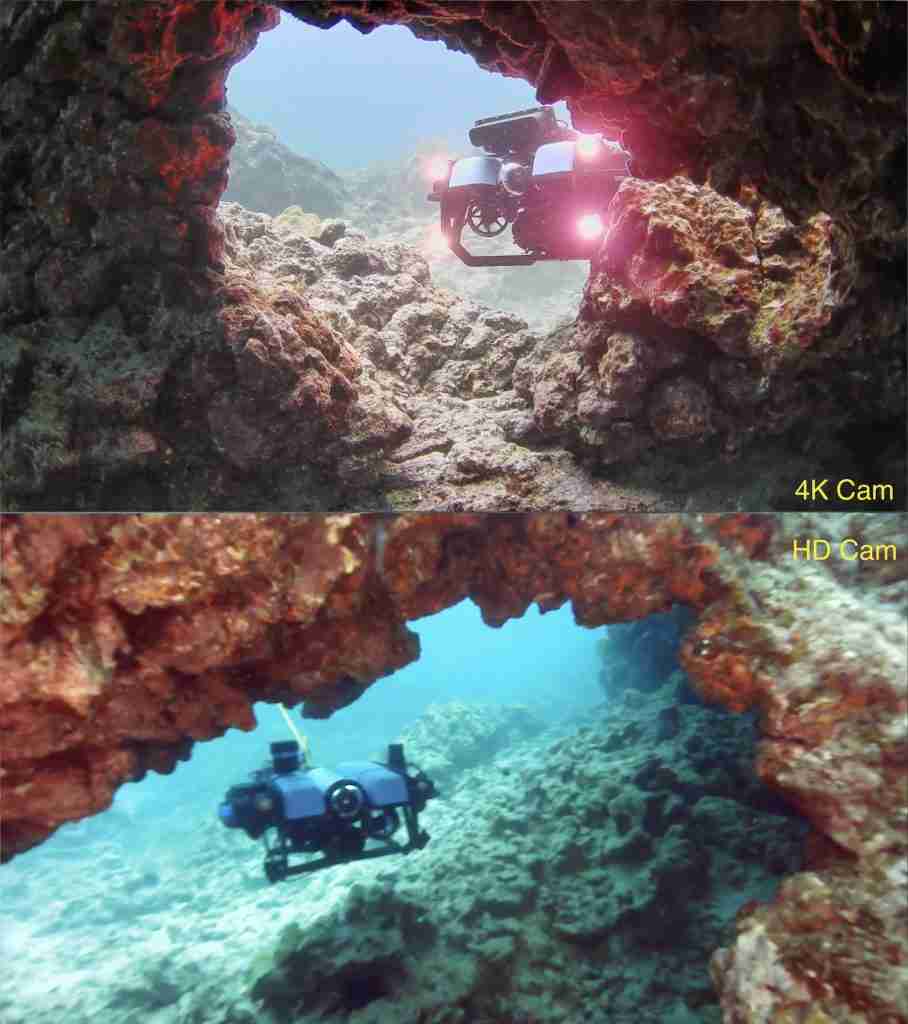
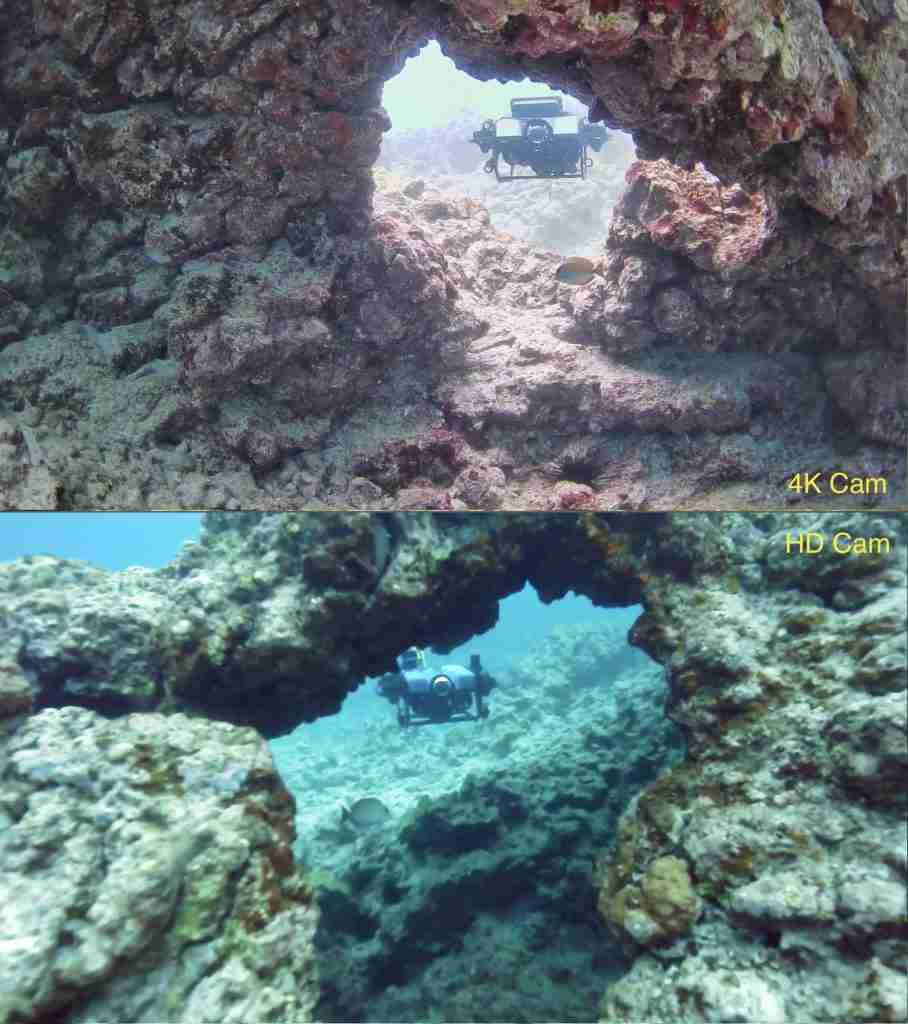
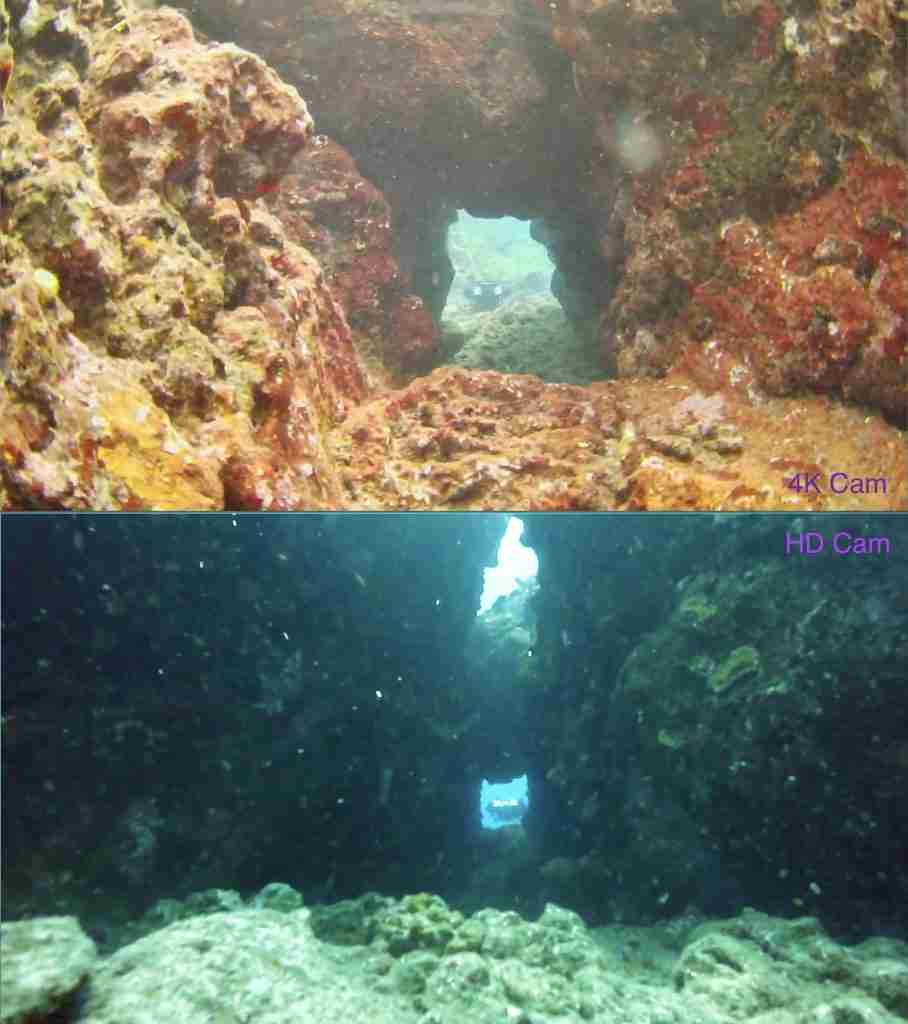
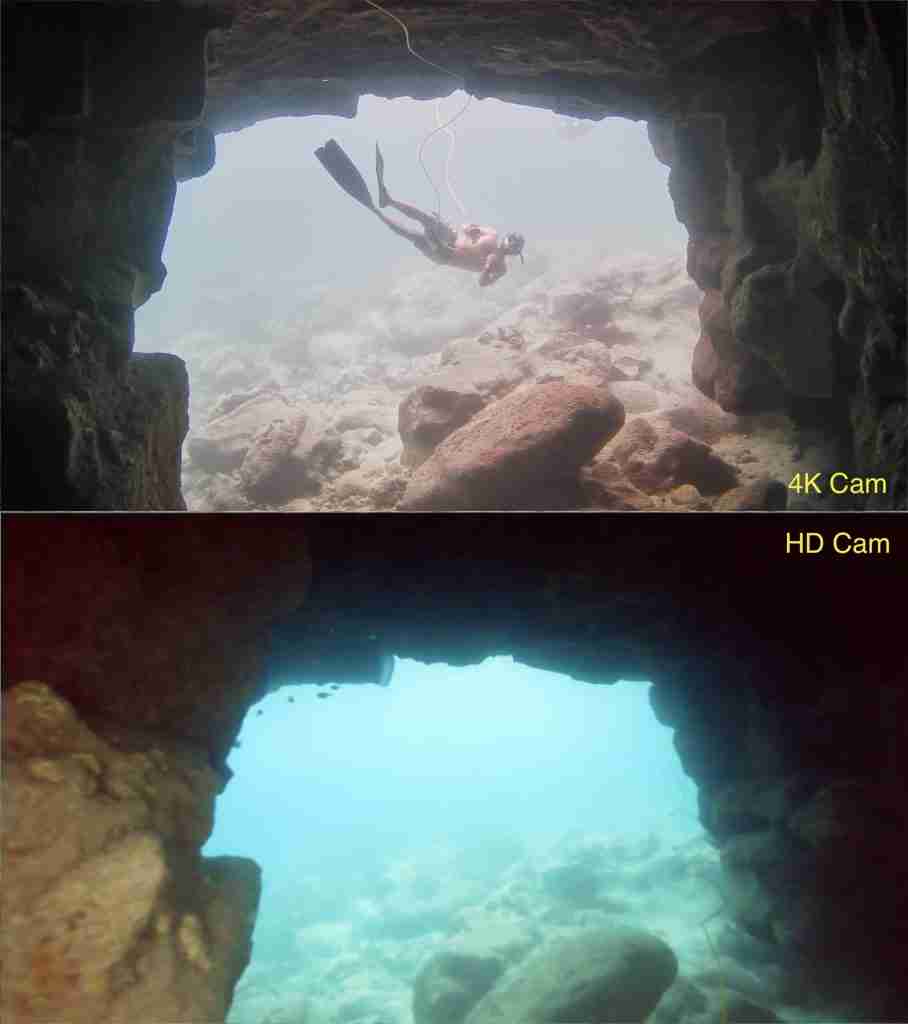
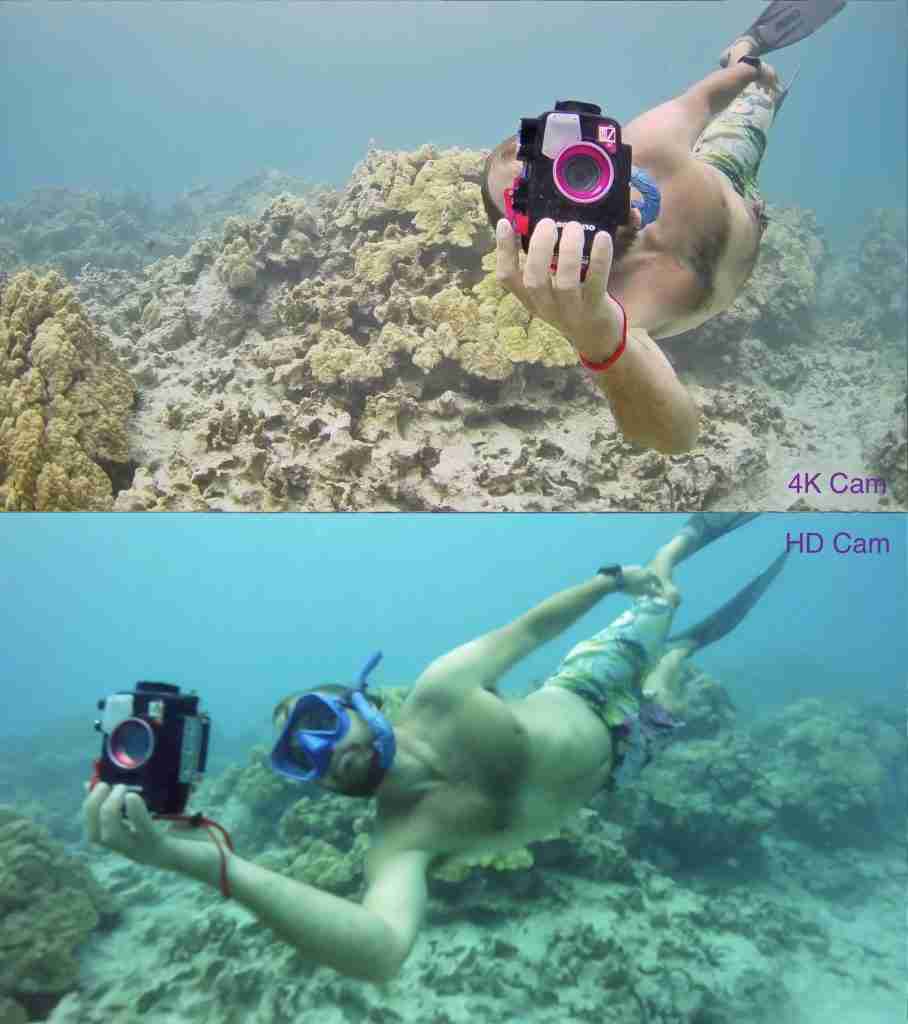
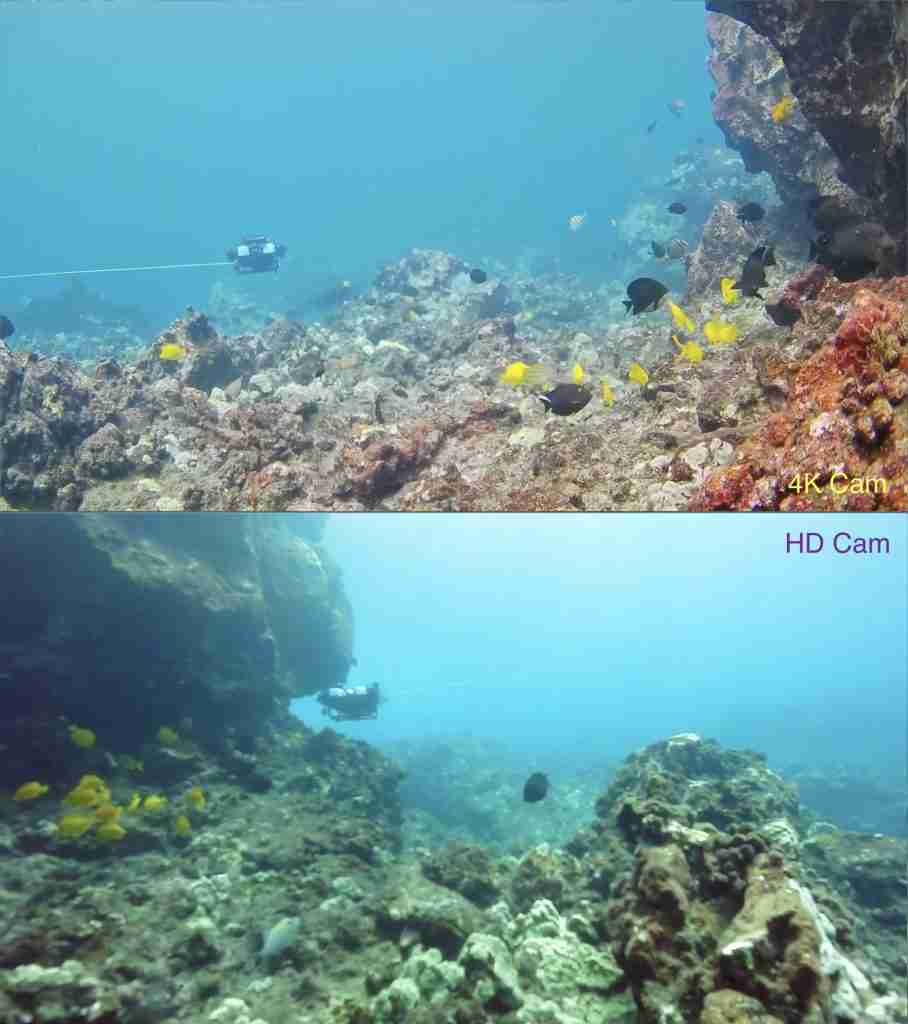
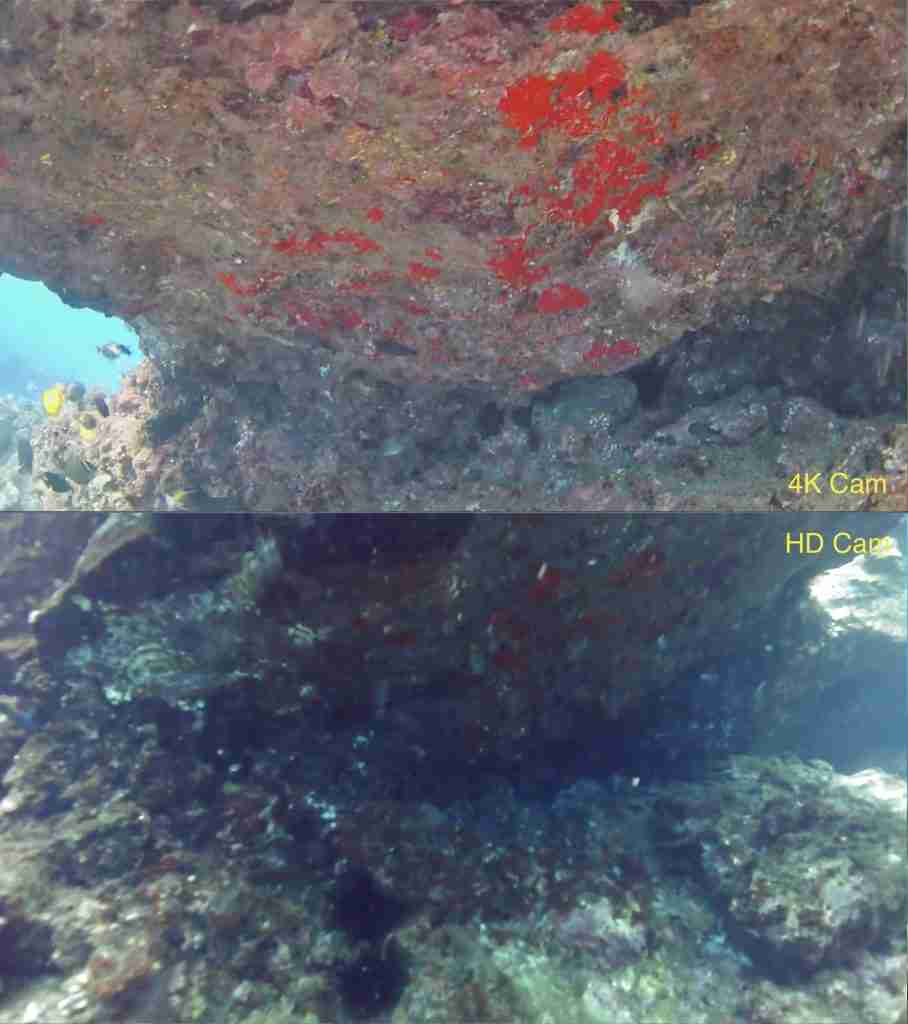
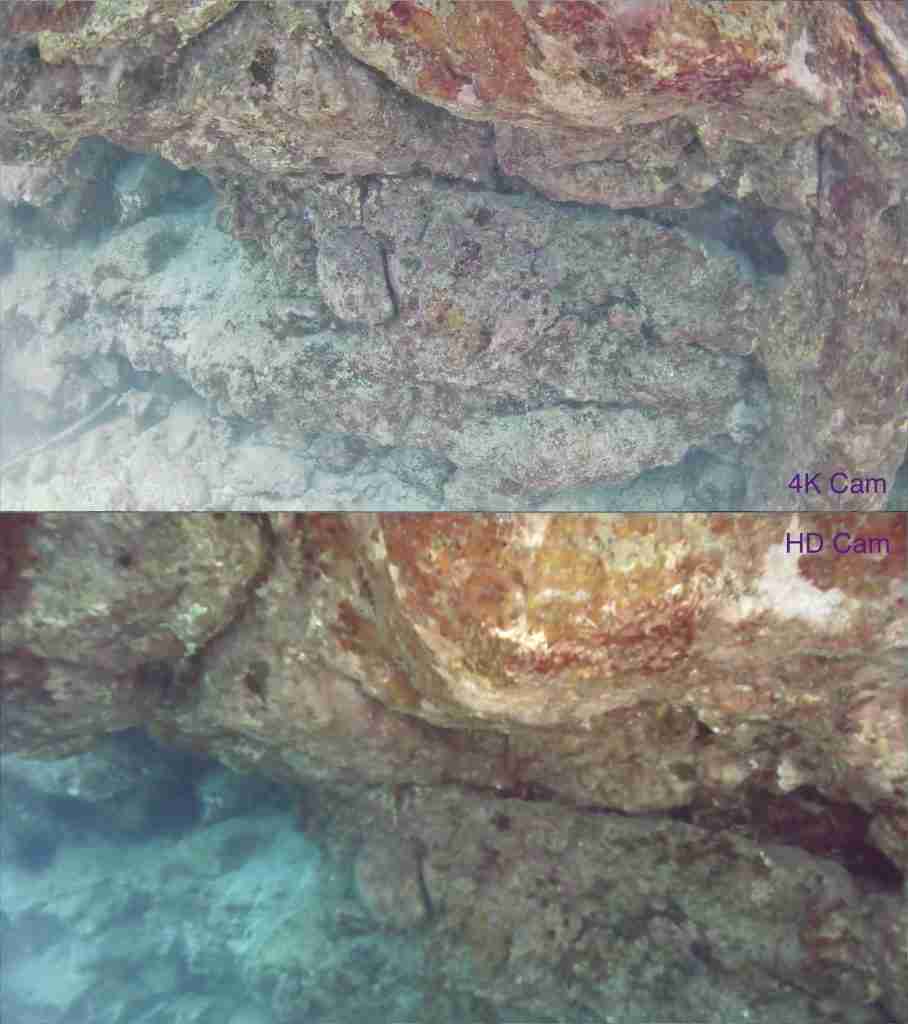
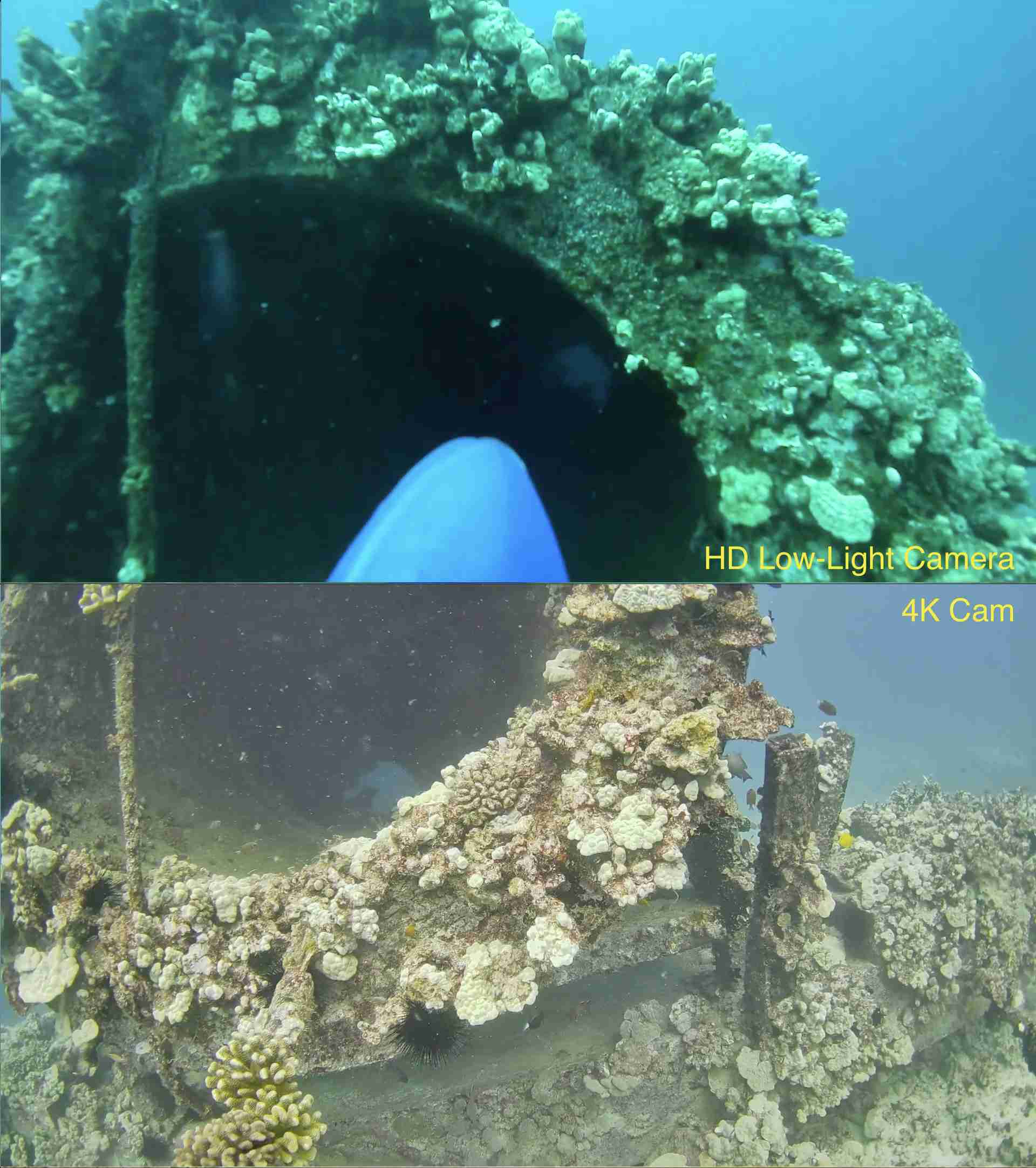
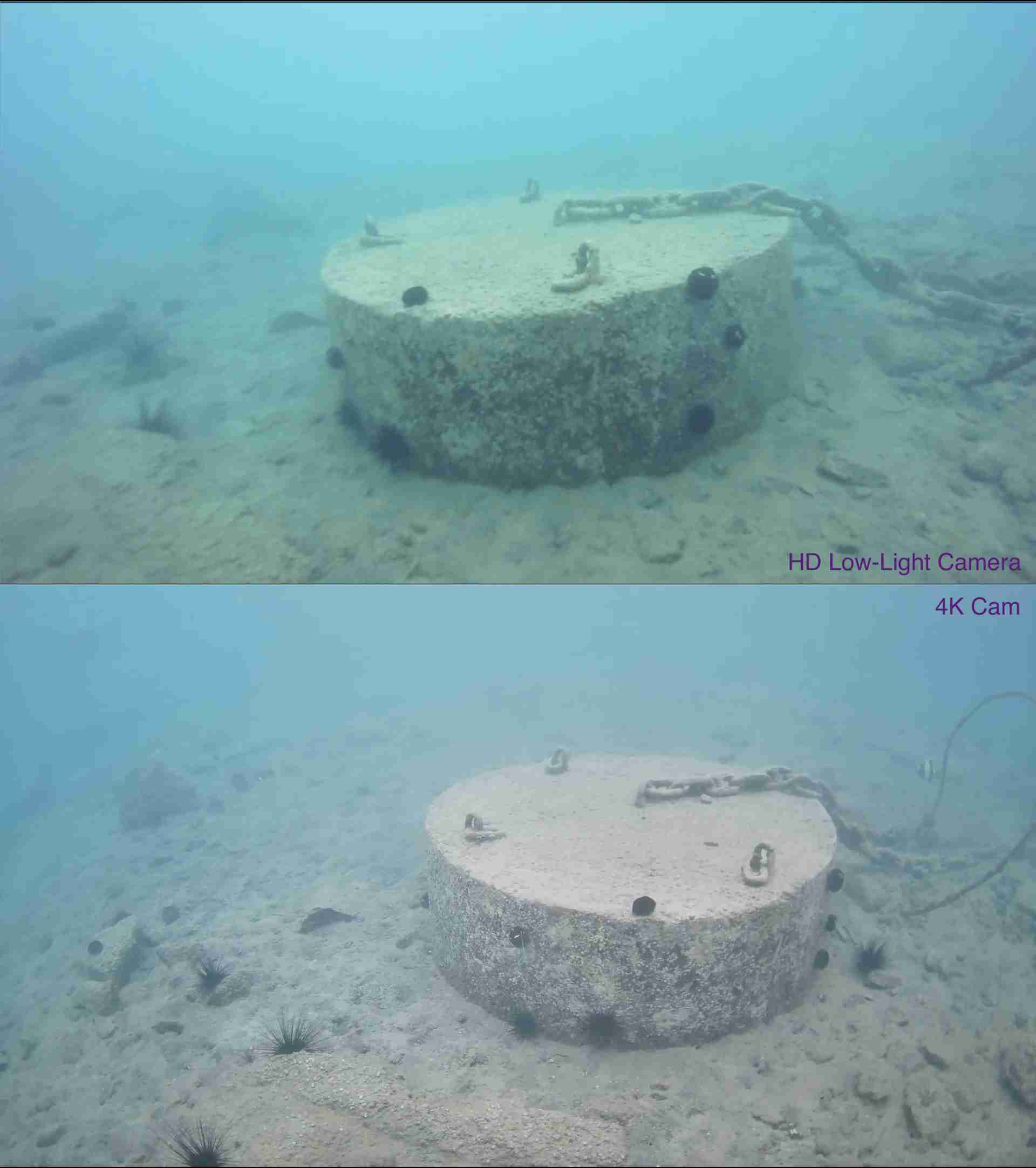
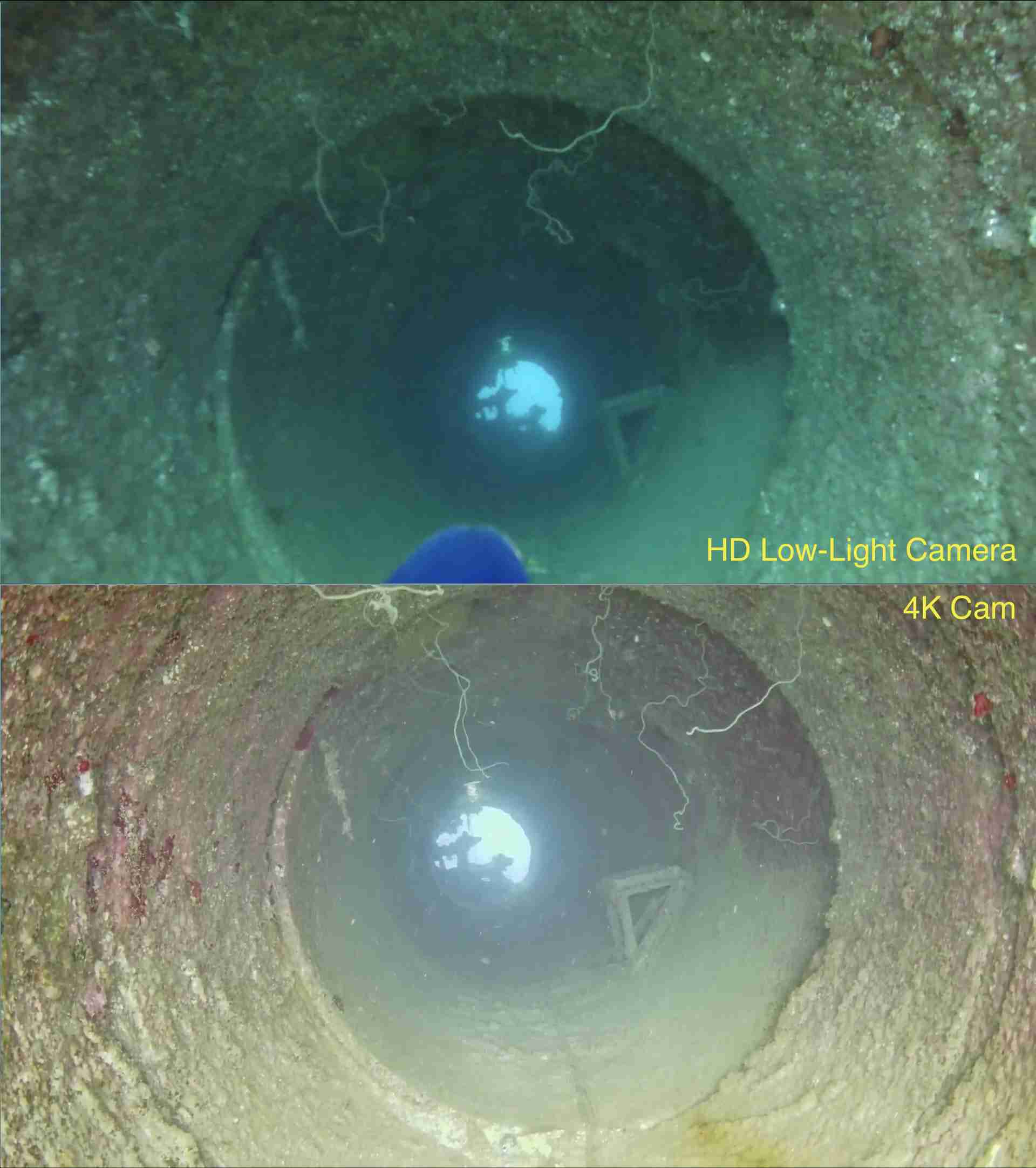
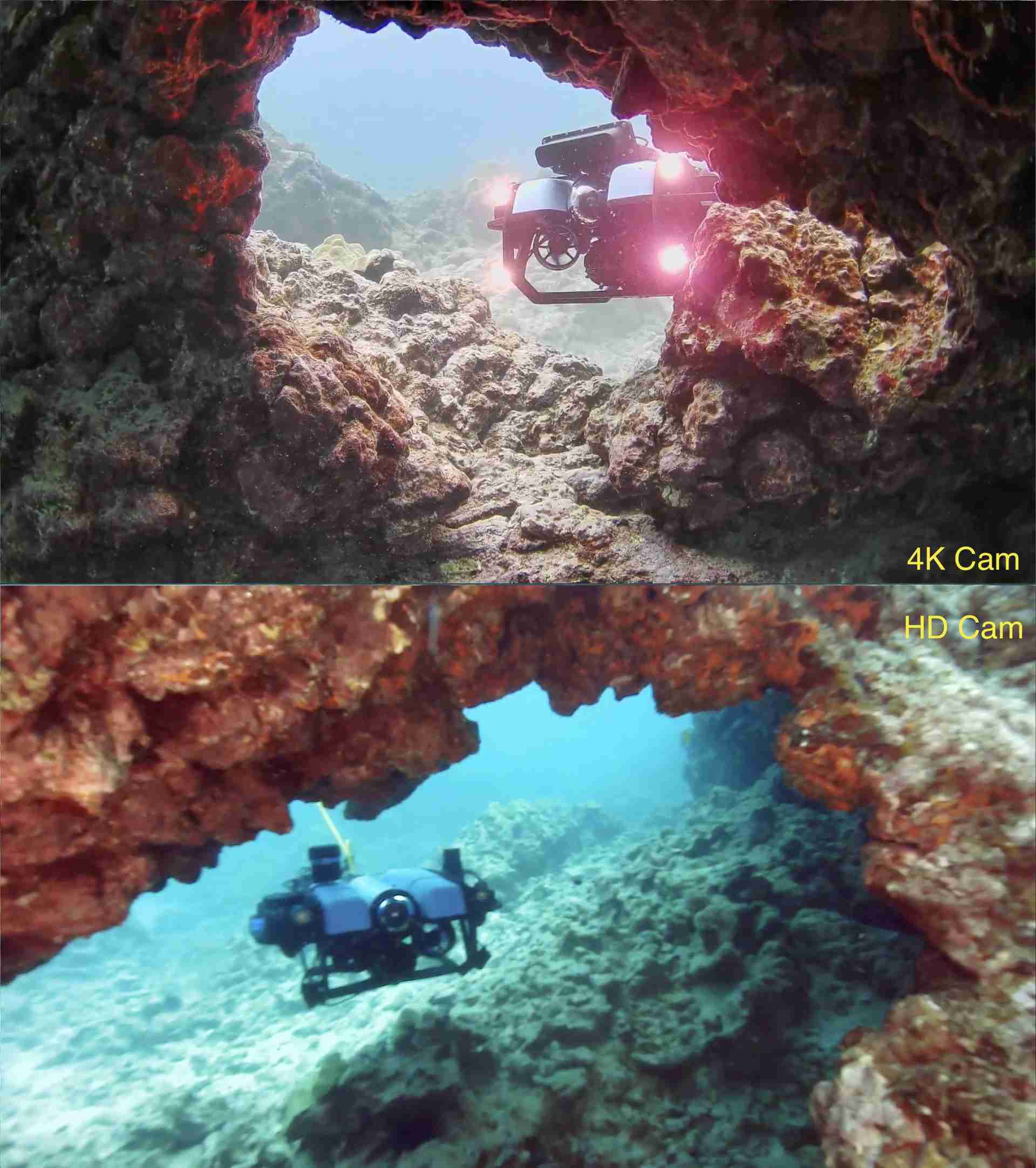
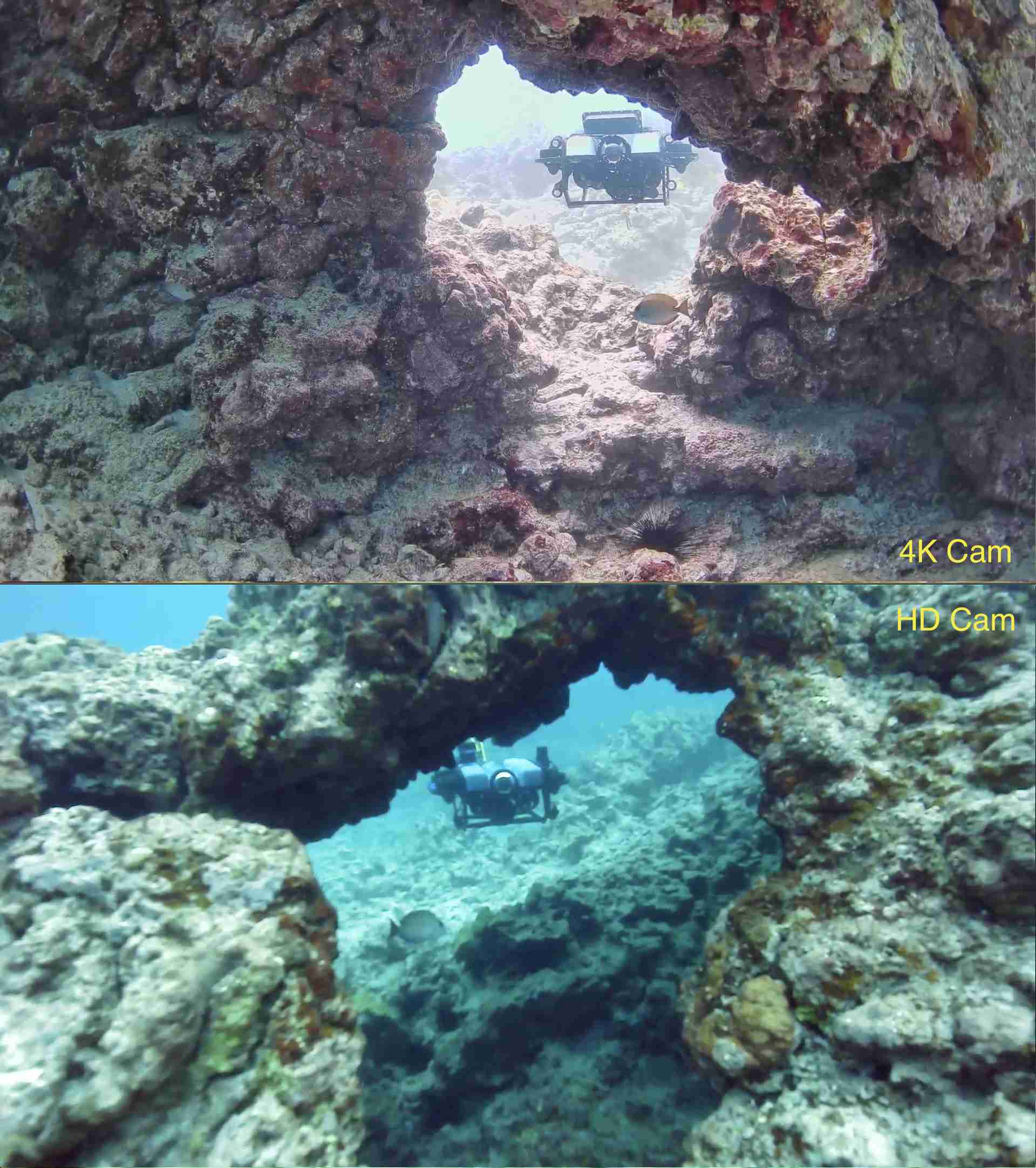
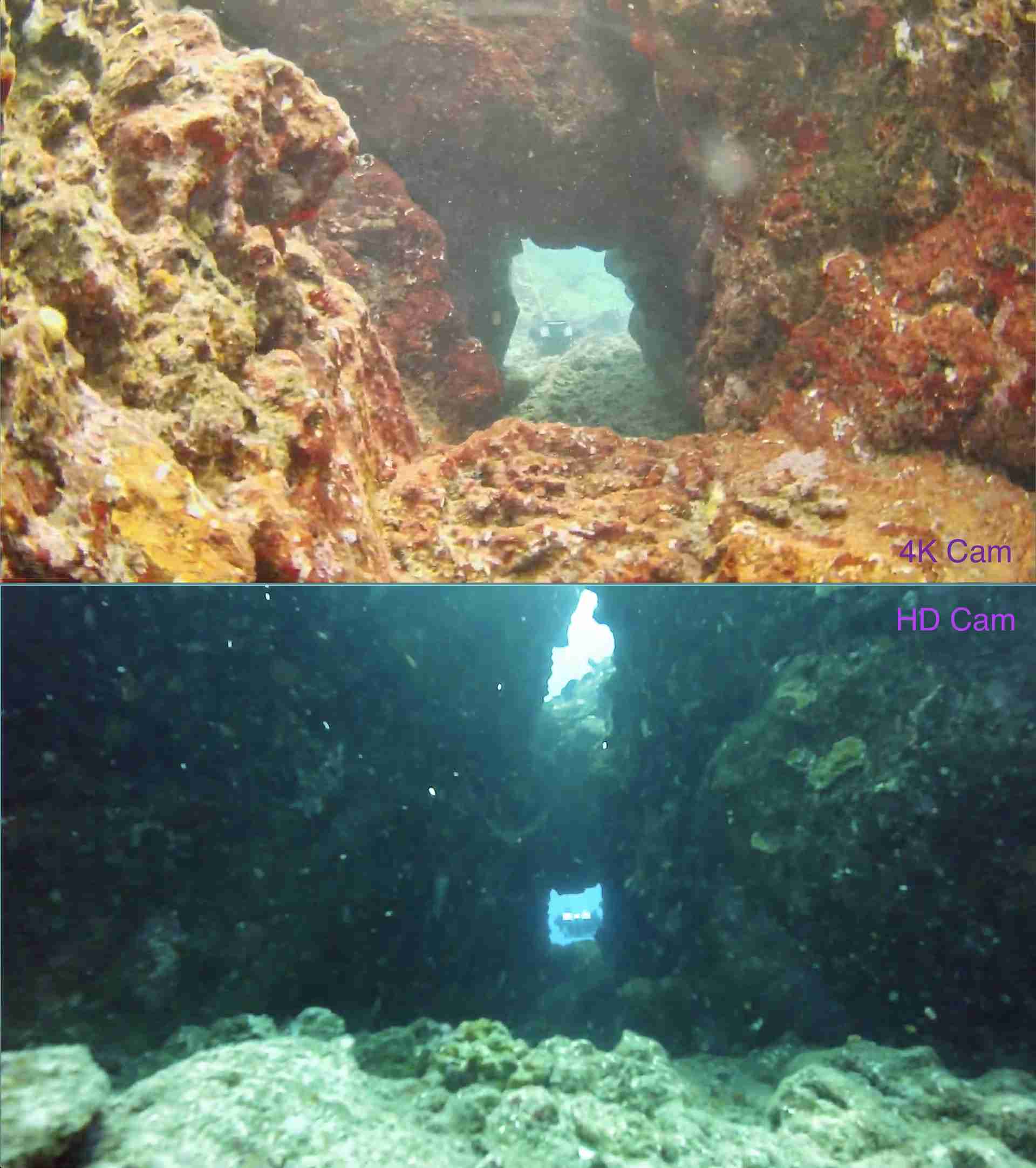
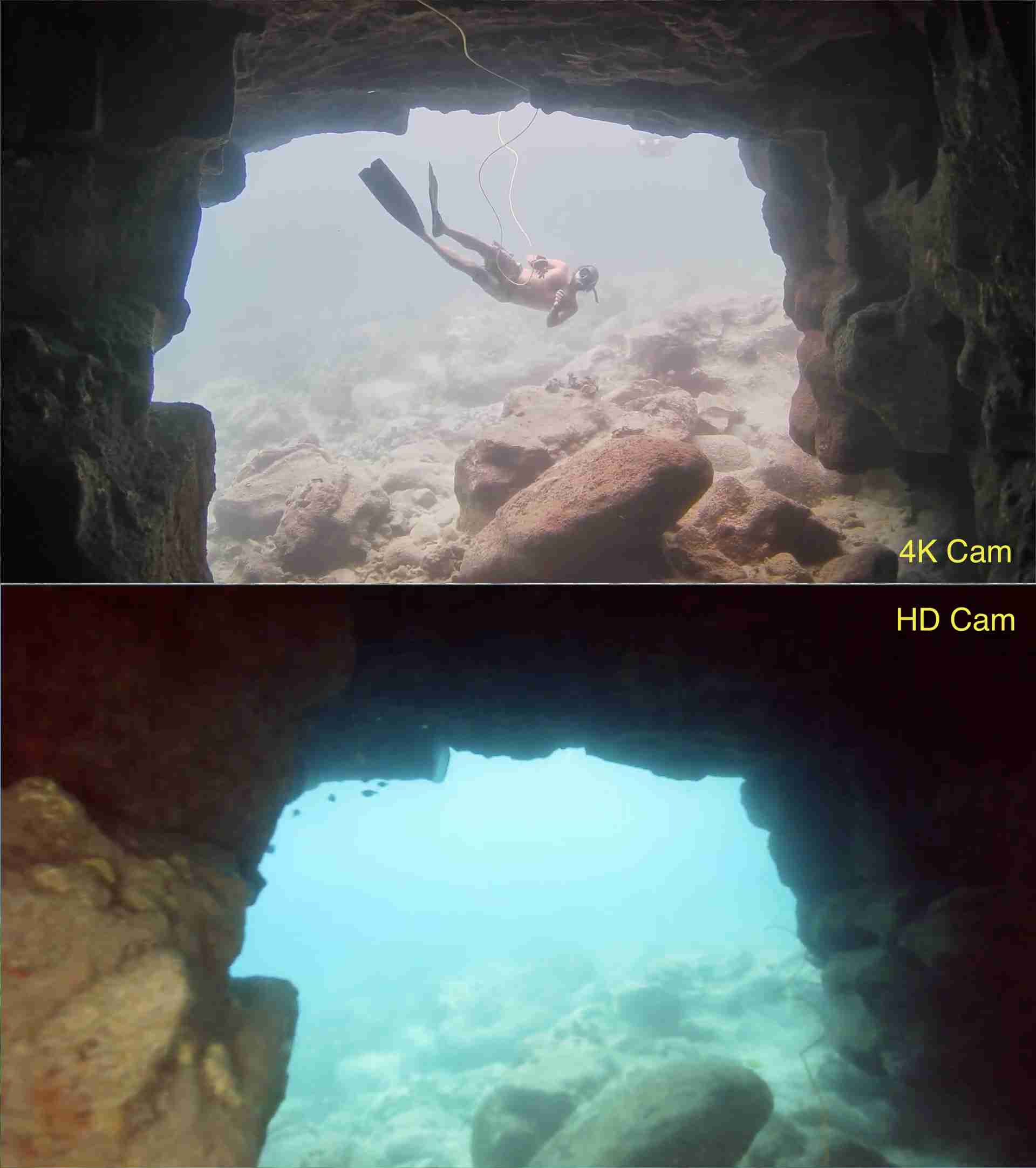
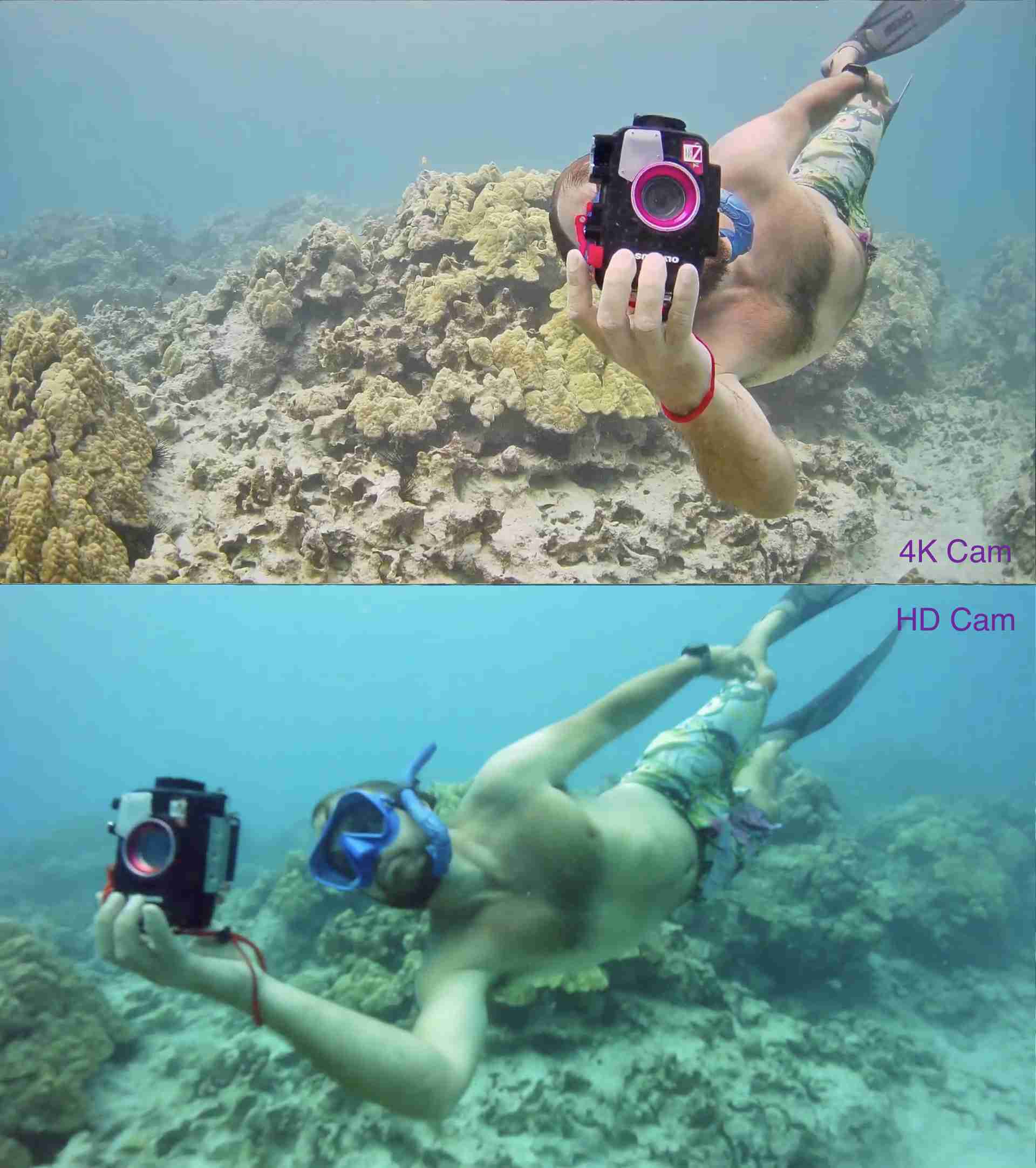
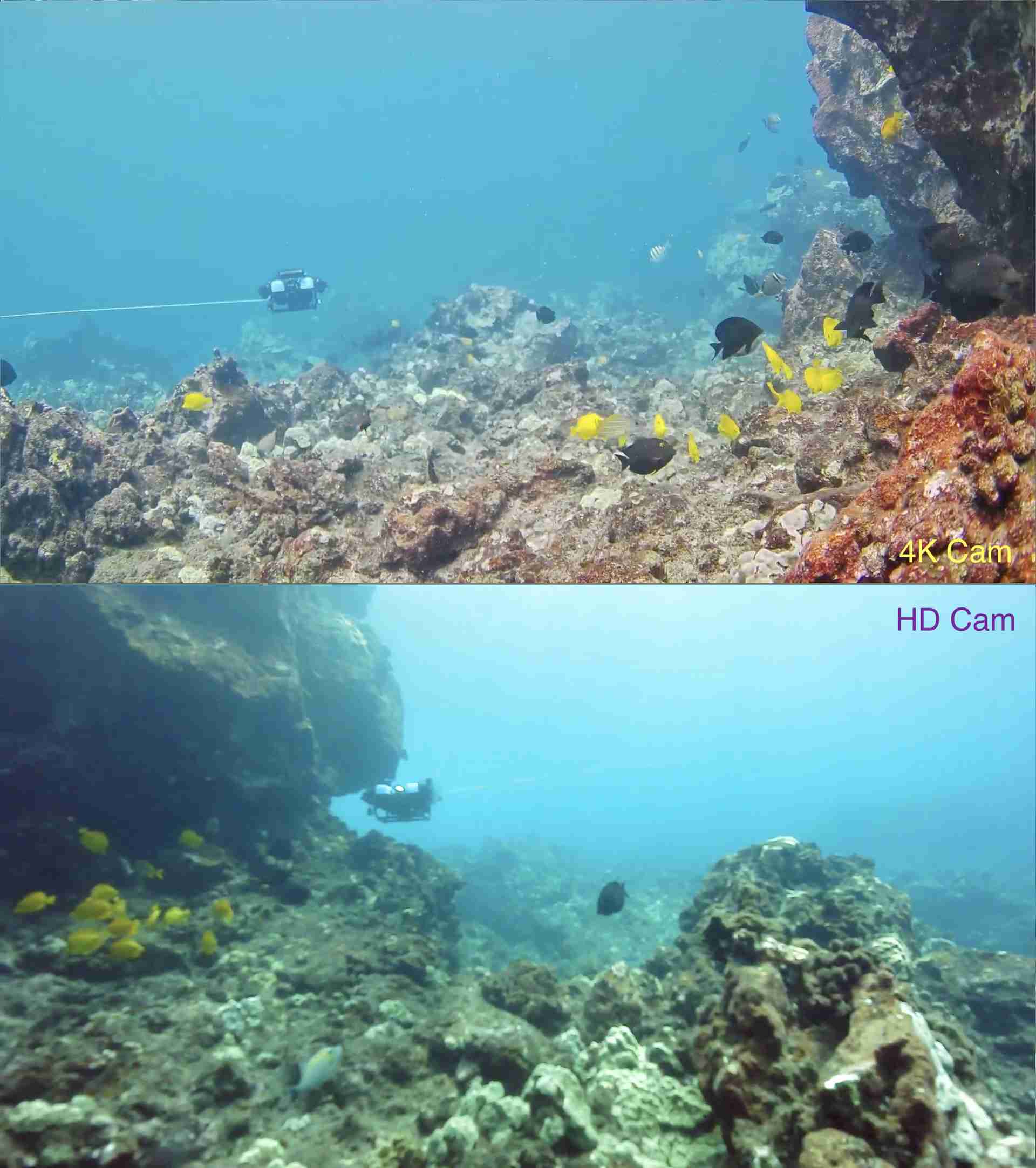
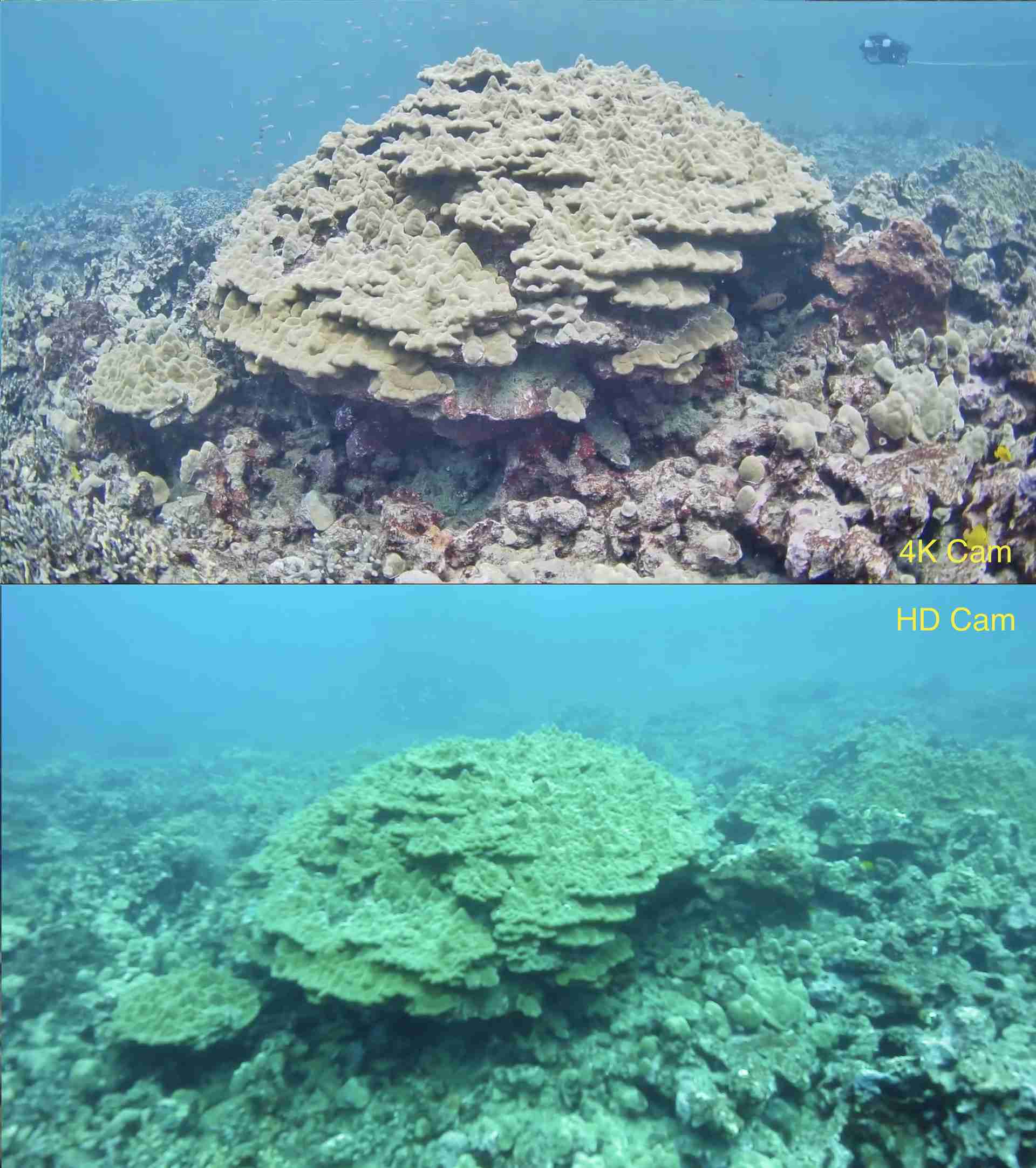
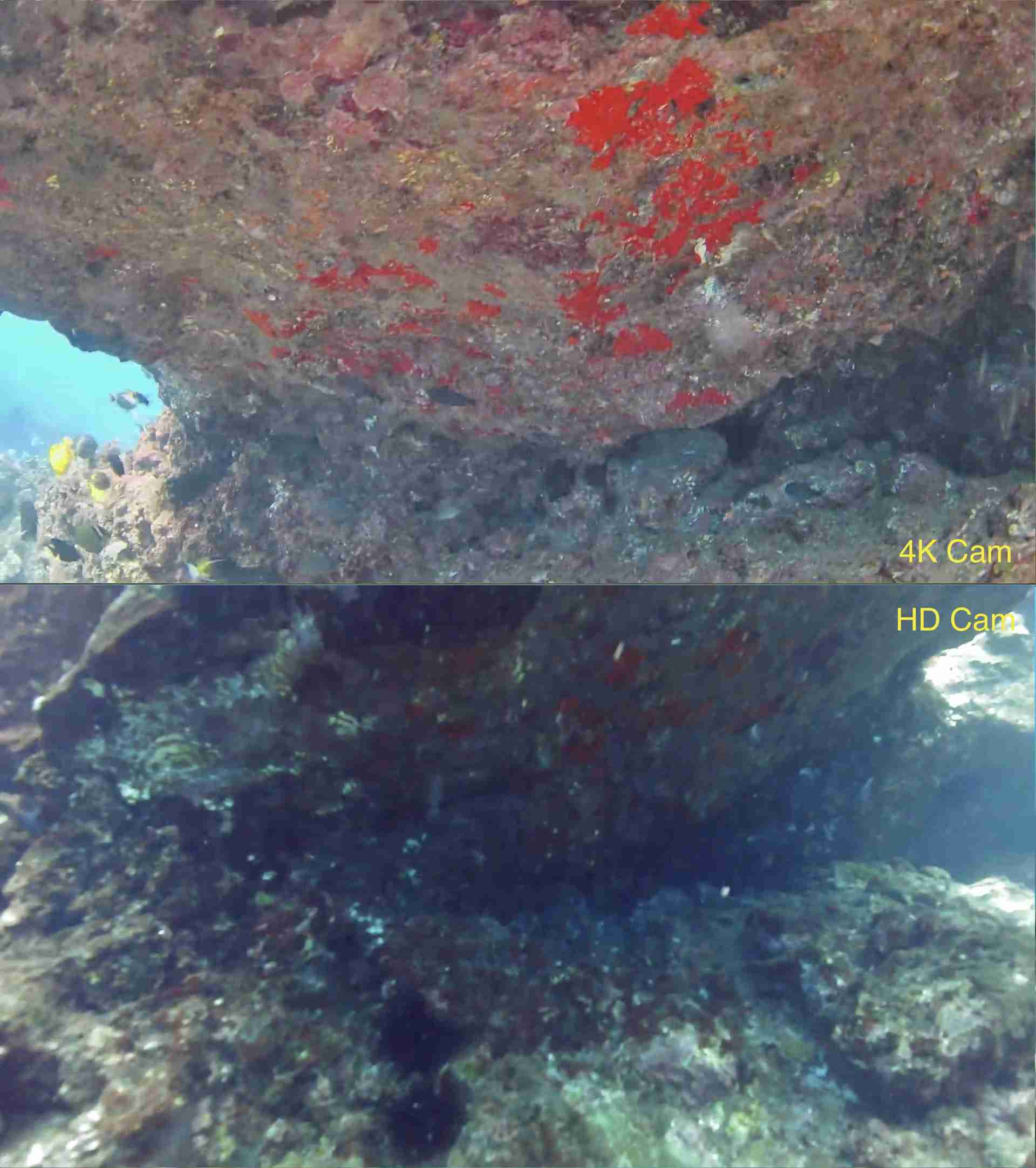
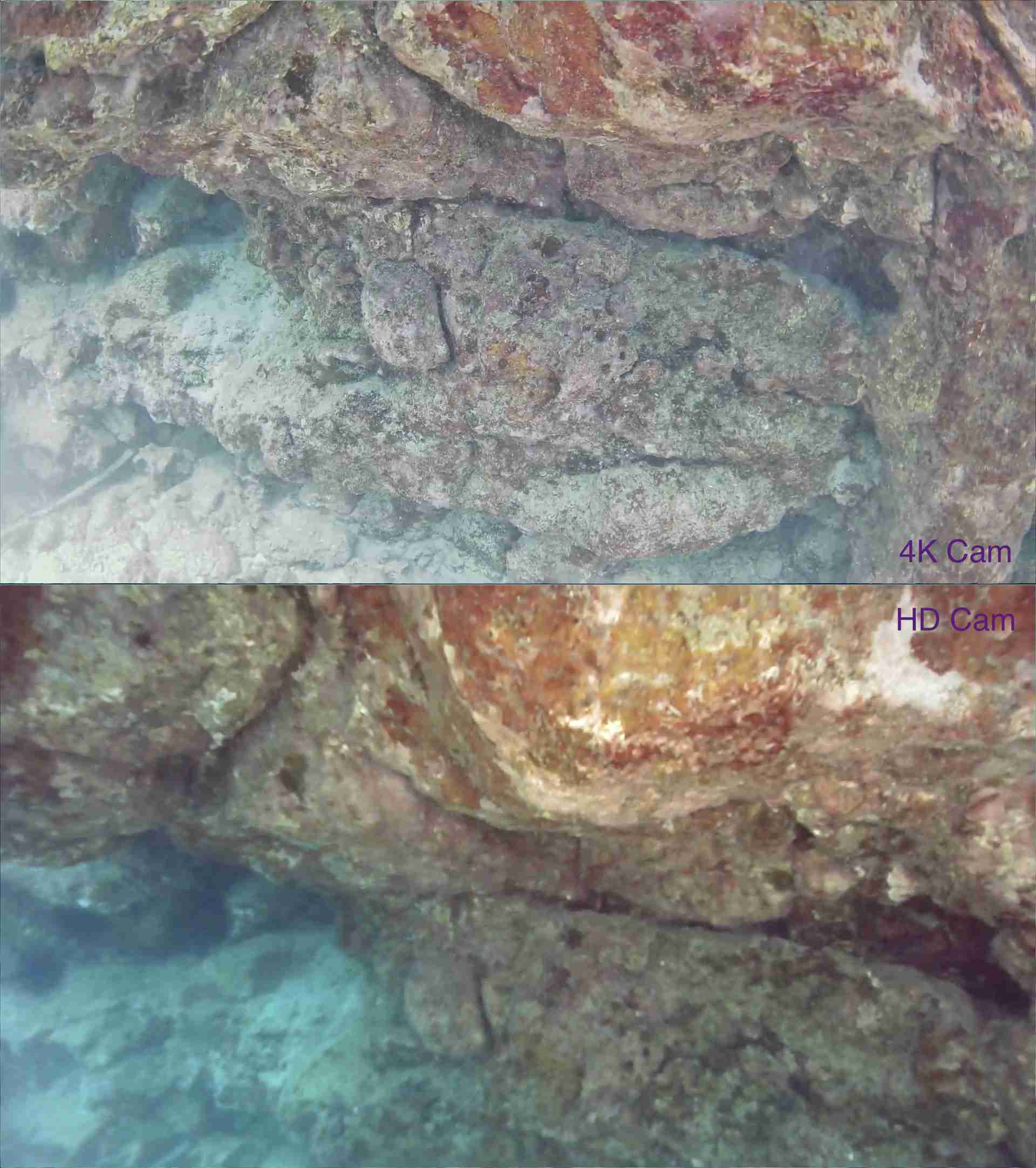
After three years of development, firmware tuning, hardware tweaks, and field testing, Blue Robotics brings you the camera you’ve been waiting for is here. The 4K Cam for the BlueROV2 prioritizes what actually matters underwater: low latency, excellent low-light performance, and accurate colour.
Whether you’re inspecting infrastructure, documenting marine life, surveying an aquaculture site, or exploring somewhere no one has gone before, the 4K Cam gives you a clearer view of what’s happening below the surface.
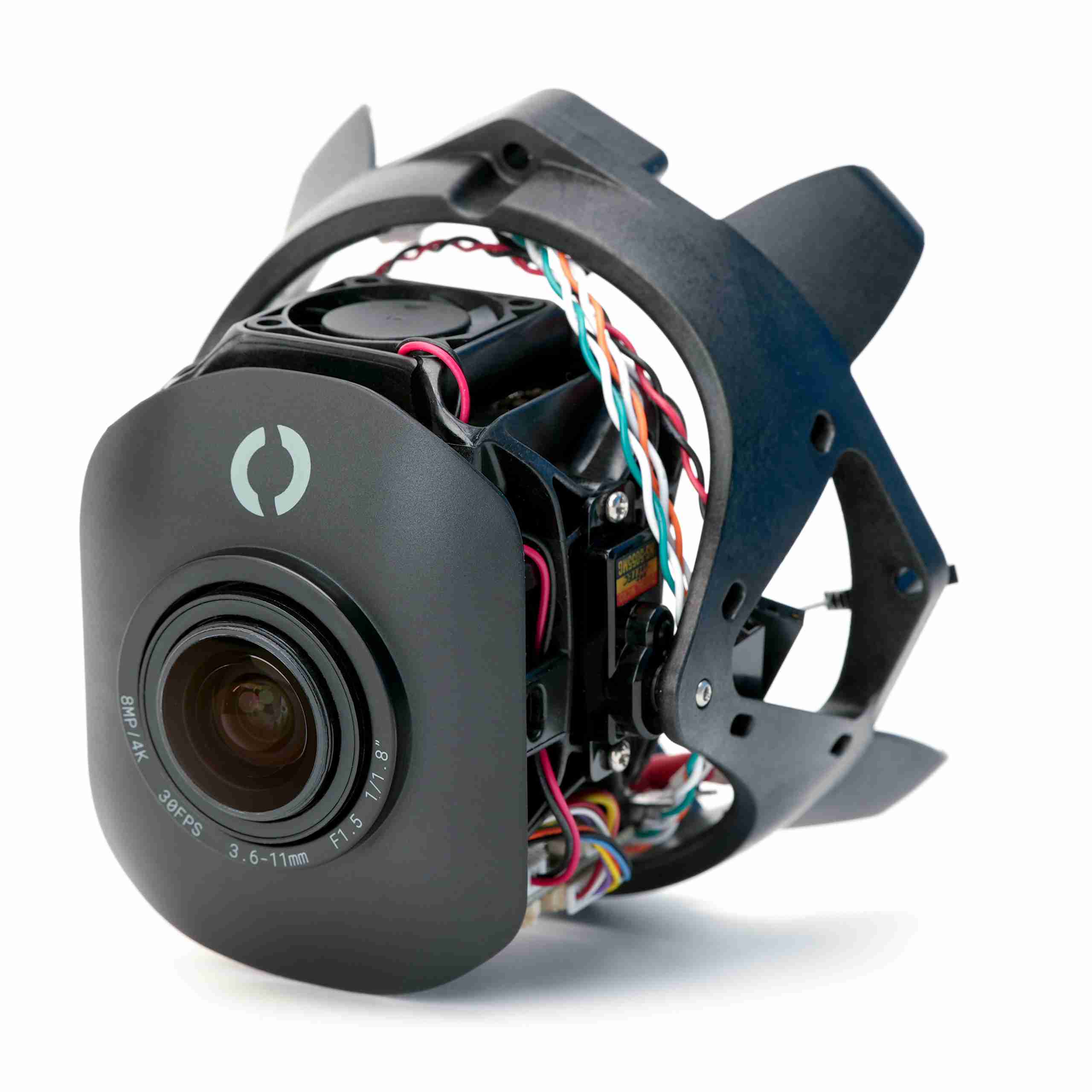
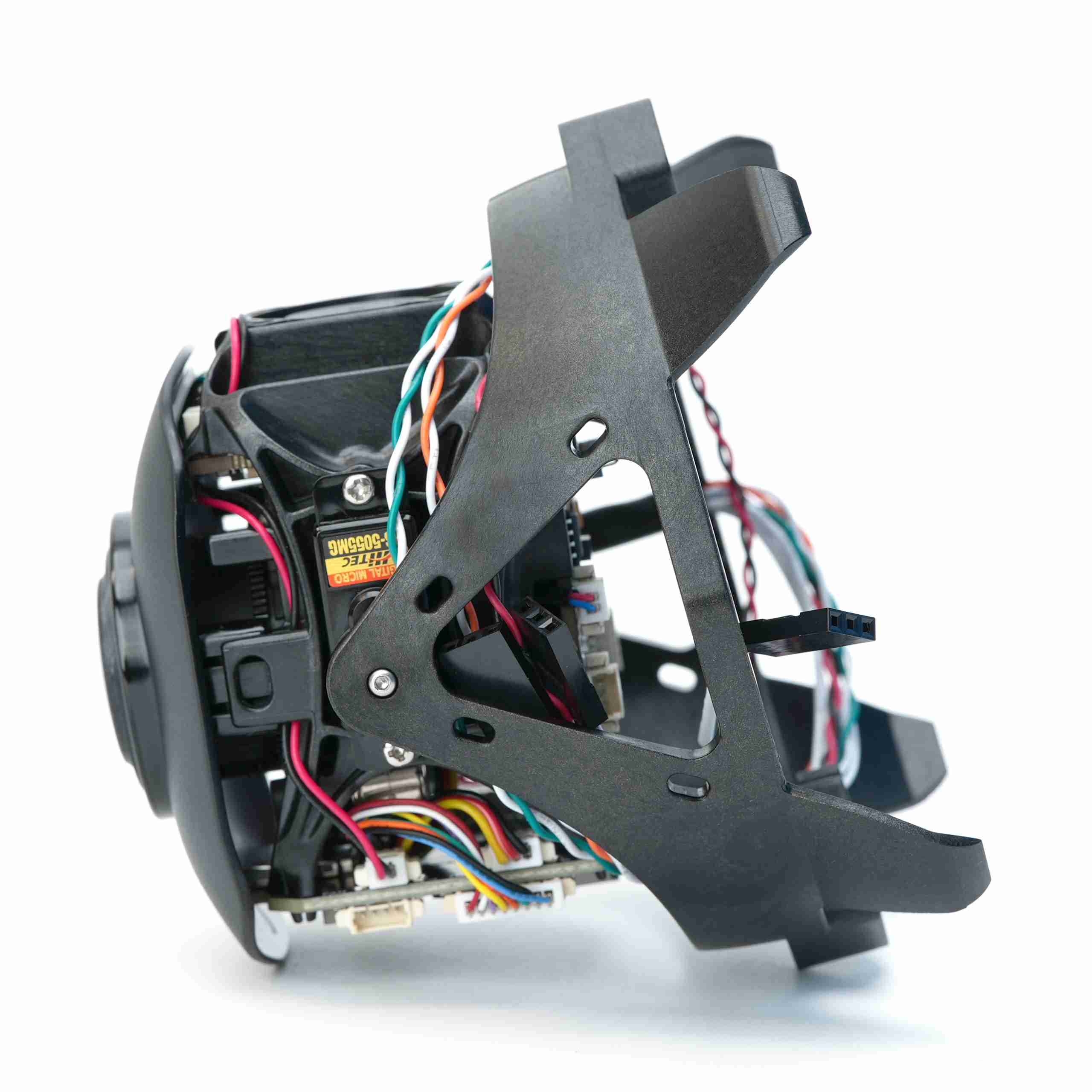
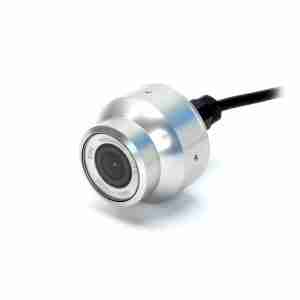
Built around the Sony IMX678 sensor, the 4K Cam delivers super sharp 4K video with spectacular low-light performance. It features a motorized zoom-focus lens with up to 2x optical zoom and a built-in tilt servo for camera angle adjustment. The sensor is paired with an image processor that supports H.264, H.265, H.265+, and MJPEG outputs.
Low Latency
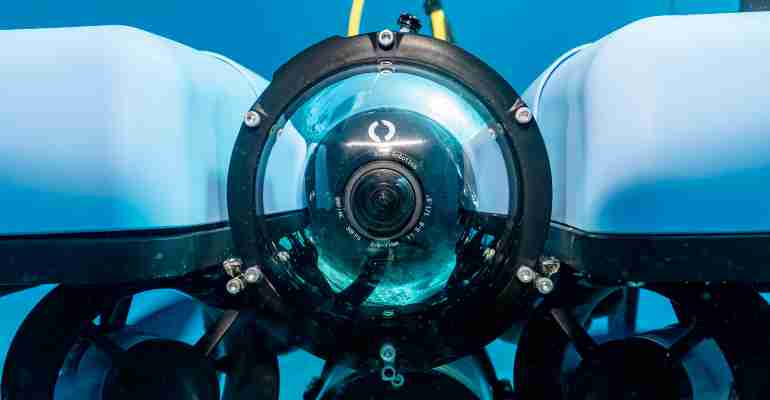
Lots of cameras can capture beautiful footage. Far fewer can help you confidently pilot an ROV.
Typical IP cameras are designed for applications where latency is no big deal. Underwater, a little delay can make the difference between smooth manoeuvring and an accidental rendezvous with a piling.
Blue Robotics have worked to fine-tune the firmware and rework the video pipeline for the lowest glass-to-glass latency possible. You can expect approximately:
- 225 milliseconds of latency at 4K
- 210 milliseconds of latency at 1080p
The result is a camera that feels responsive and predictable while piloting.
Balance the Colours
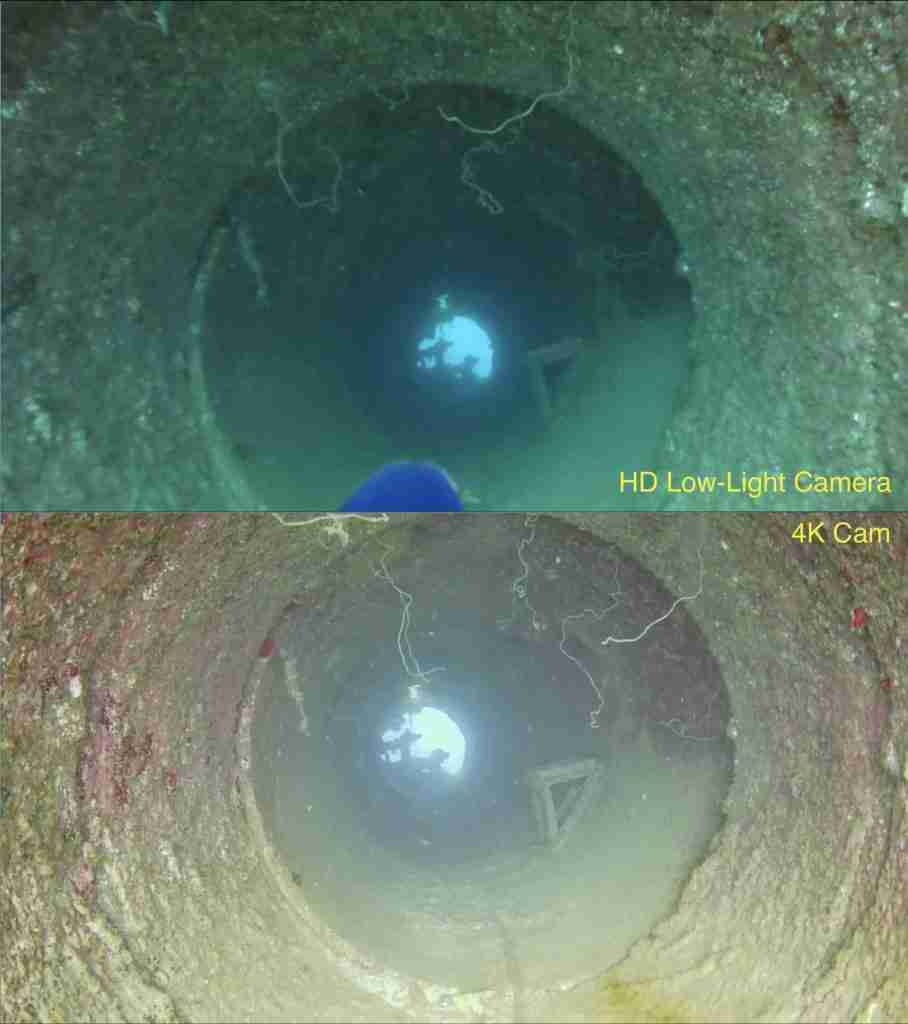
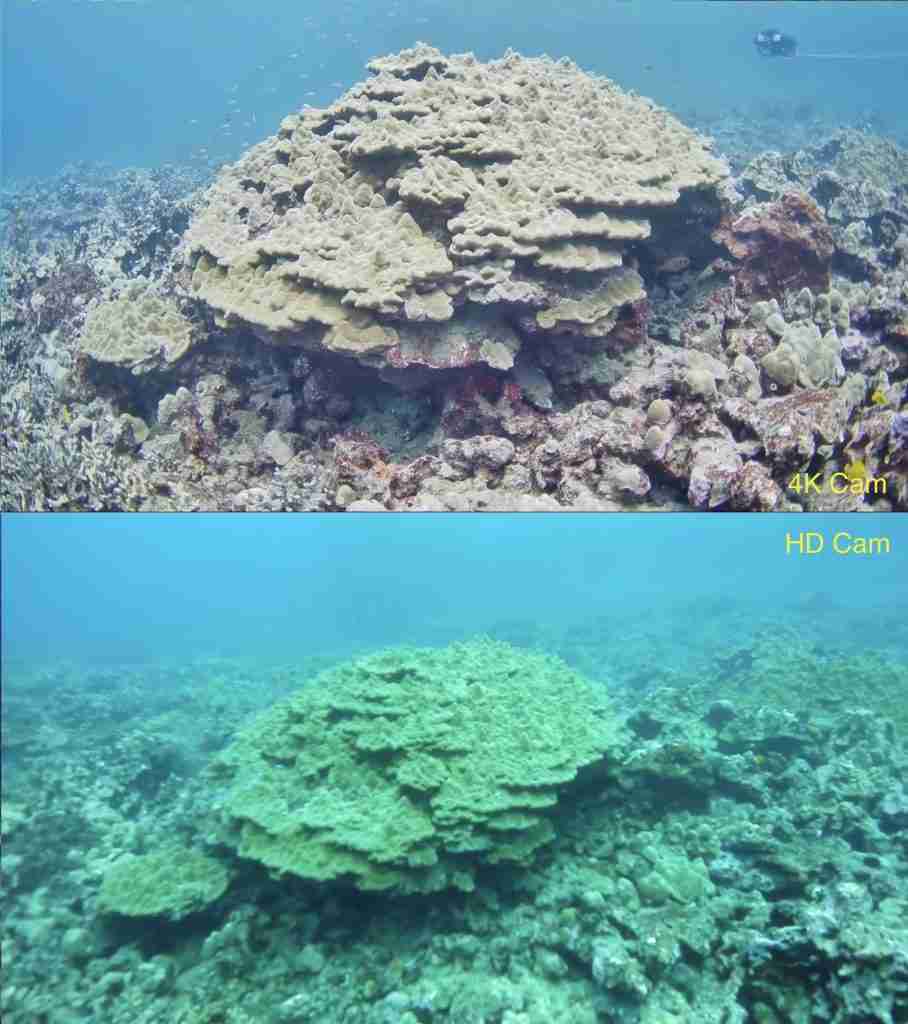
For cameras, underwater colour can be very tricky. Thoughtfully designed white balance modes keep colour accurate across varying conditions.
The 4K Cam features two colour white balancing options. It defaults to auto white balance or you can manually trigger One-Push White Balance to quickly recalibrate the image and restore more accurate colour.
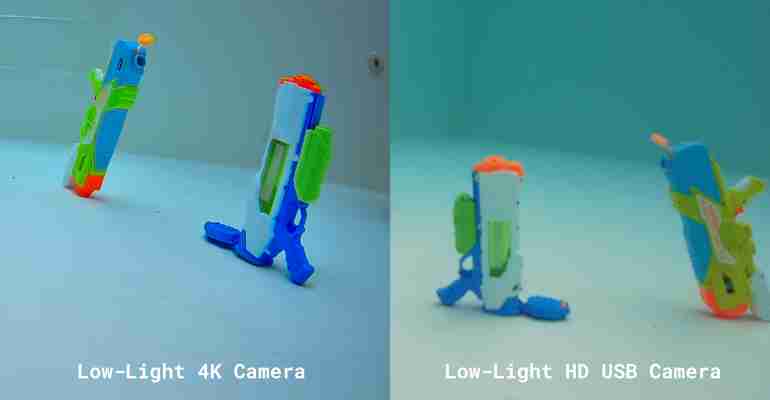
The BlueOS extension also includes presets for blue and green water environments, making it easier to adapt the image to local conditions.
Zoom and Focus
Sometimes you need the whole scene. Sometimes you need to inspect a singular bolt.
The motorized zoom-focus lens gives you both, with:
- Up to a 94-degree horizontal field of view
- Up to 2× optical zoom
- Remote zoom control
- Remote focus control
Zoom and focus can be adjusted directly by the ROV pilot, making it easier to move between wide-area awareness and close-up inspection.
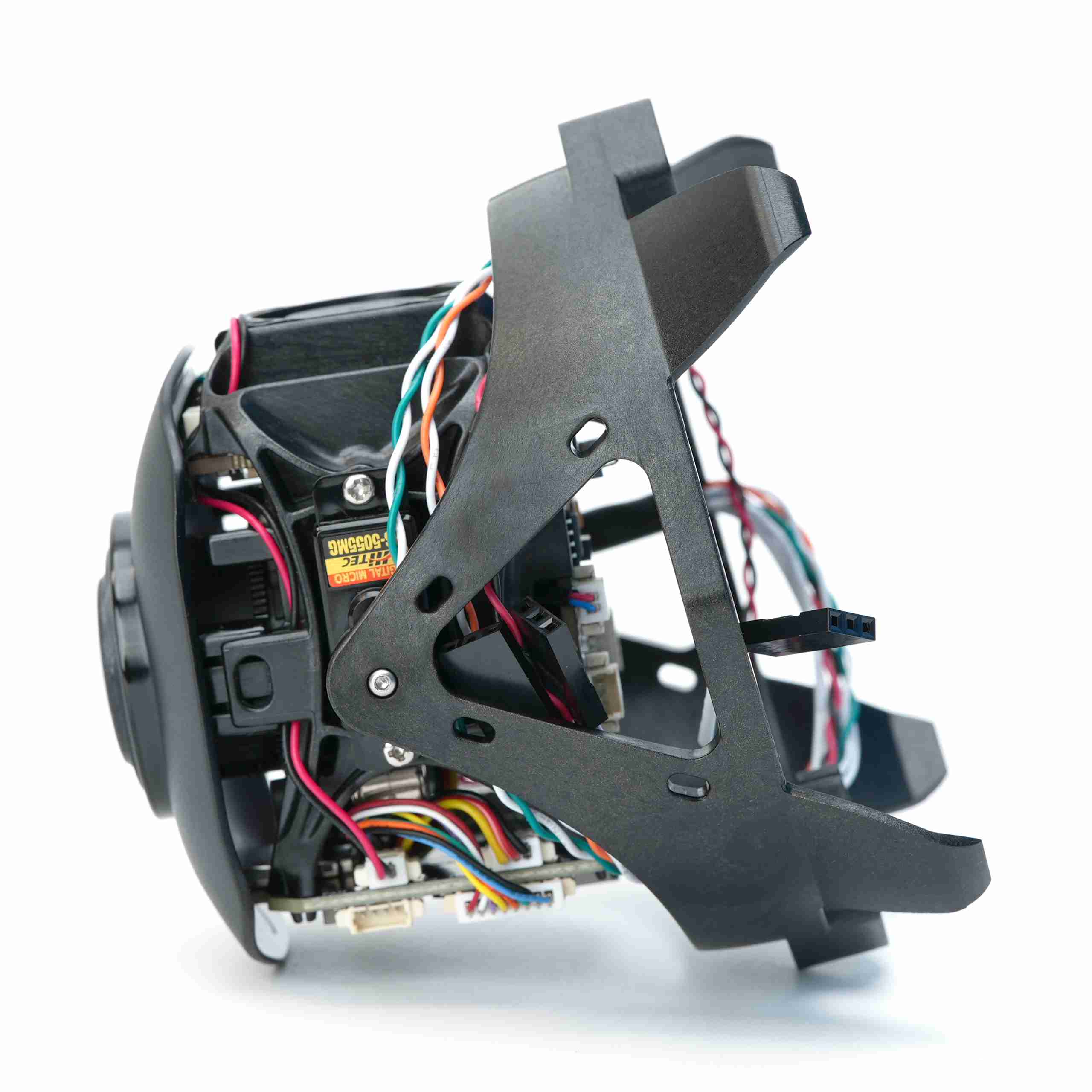
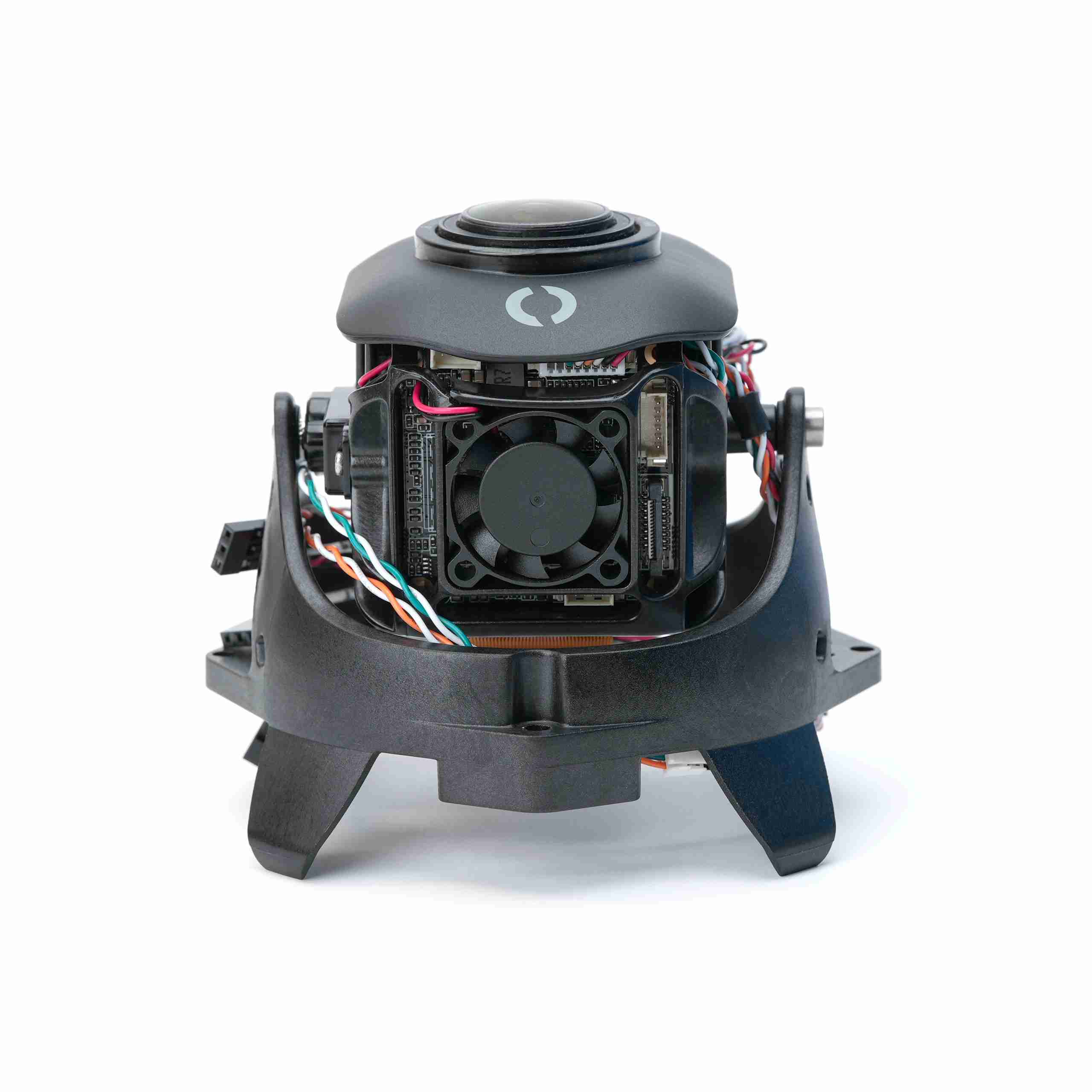
The camera sits on an integrated tilt servo, so you can look up or down without repositioning the entire vehicle. A built-in fan helps keep things cool during long dives and extended operation.
Your ROV Has Been Squinting
Think of it like giving your BlueROV2 a fresh pair of glasses. The complete camera assembly is designed as a straightforward retrofit (there’s a guide for that!).
The 4K Cam also fits inside our 4-inch Series Watertight Enclosures and larger enclosures, making it a rad option for custom underwater vehicles and robotics projects.
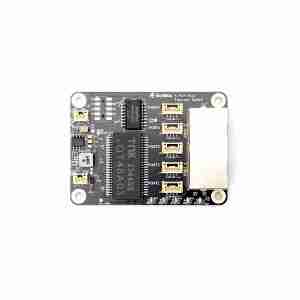
Because it is an Ethernet IP camera, your system will need an Ethernet switch.
4K video is detailed and sharp, but also demanding. Decoding a full-resolution 4K stream requires more computing power than standard HD video, so we recommend using a pretty powerful laptop for the best experience. Check out the technical details below for more!
Set Up and Stream
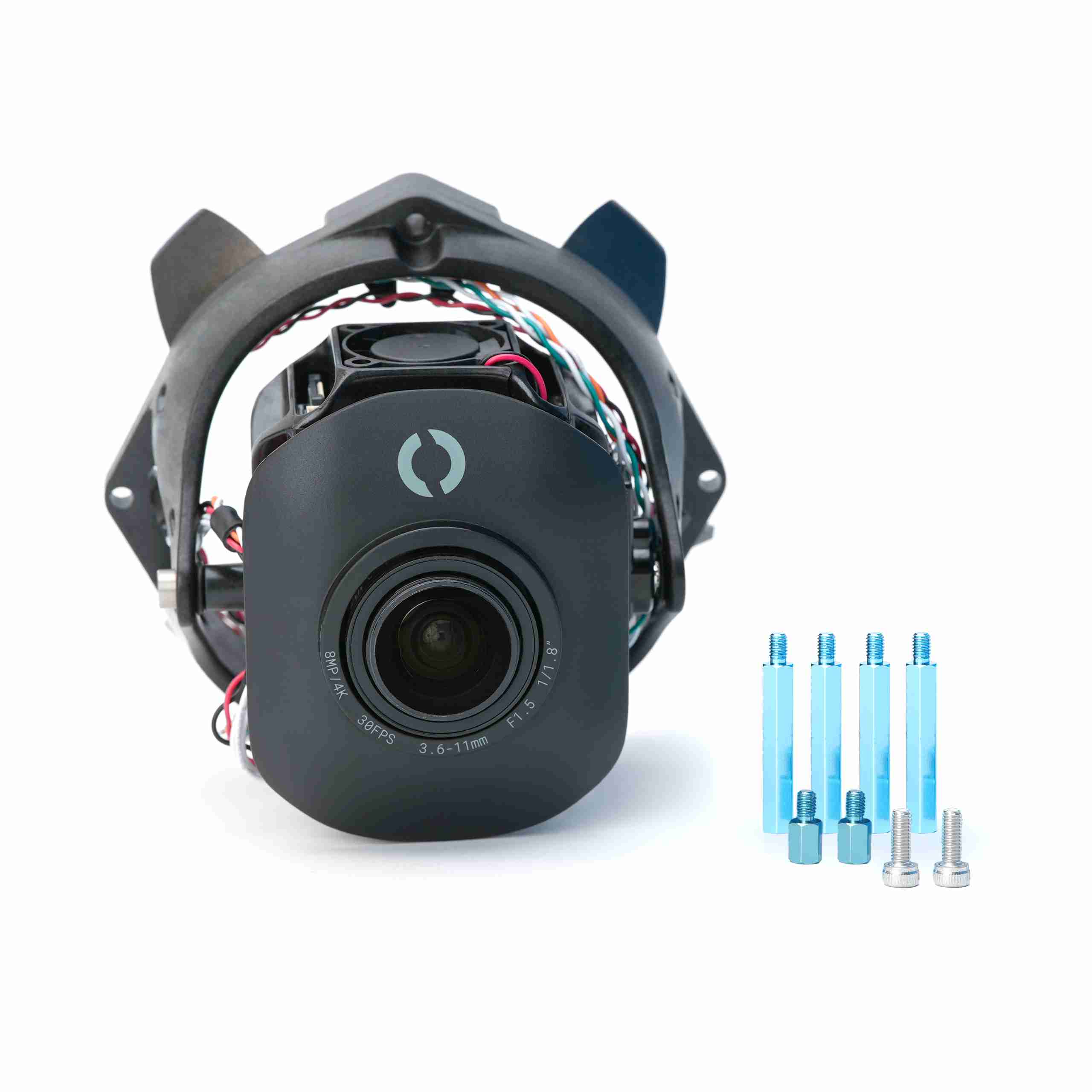
The 4K Cam replaces the HD USB Camera on the BlueROV. It comes with the hardware needed to upgrade, but an Ethernet Switch is required. We have a guide to walk you through the steps!
The camera’s BlueOS extension handles the hardware setup, stream configuration, and the camera settings you are most likely to use. From the extension, you can adjust settings such as resolution, bitrate, image controls, water-colour presets, and video stream configuration.
Once everything is set up, the camera is fully supported in Cockpit, our customizable next-generation control station software. Cockpit allows you to assign zoom controls to your controller, adjust focus while piloting, trigger One-Push White Balance, access camera settings directly from the interface, and configure the layout around your mission.
Reviews
There are no reviews yet.